Does the Bar Count When You Log Your Lifts?
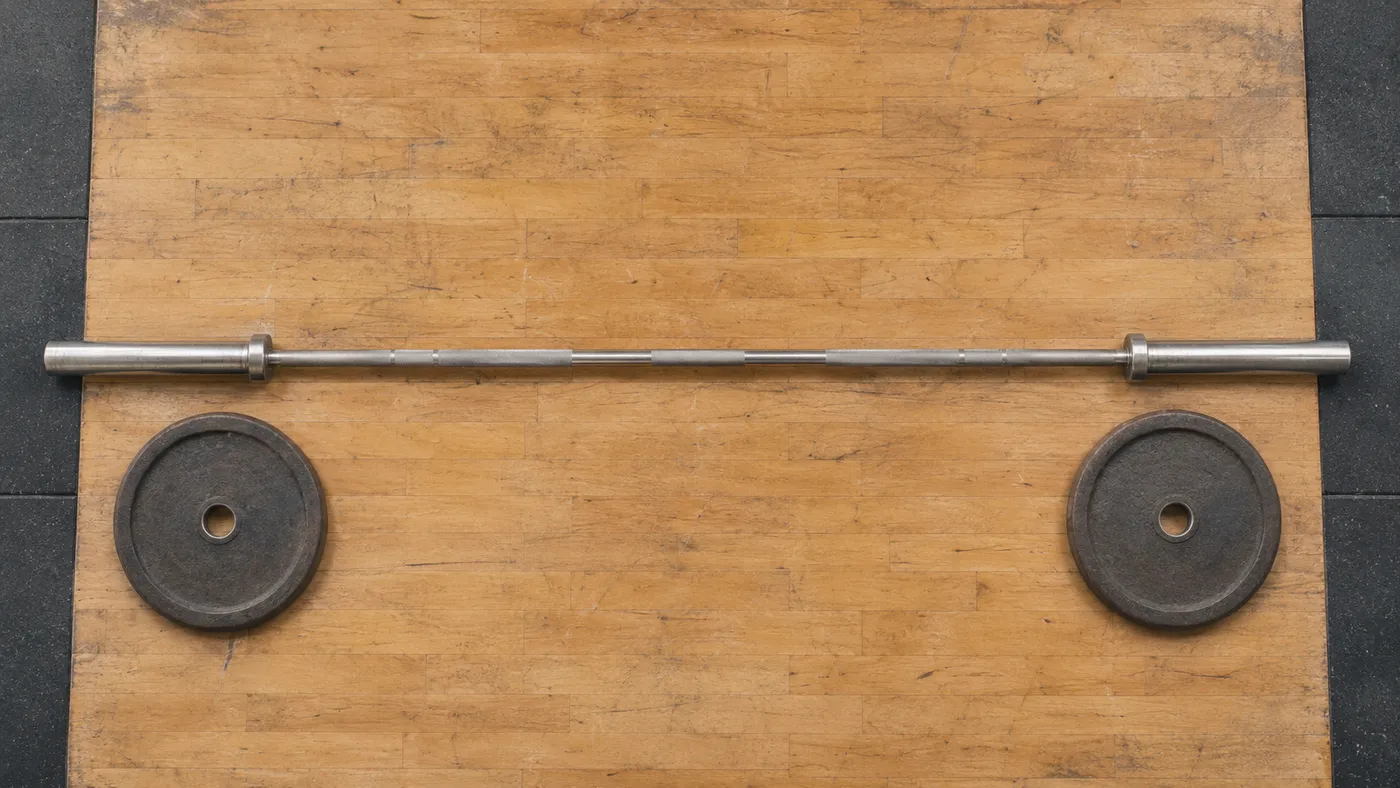
The bar counts toward the total weight you lift. For everyday tracking, I recommend logging just the plates on both sides. A 20 kg bar with a 10 kg plate on each side weighs 40 kg. In my log, that set goes down as 20 kg.
Why I log only the plates
When I use the same bar, its weight is fixed. To go heavier or lighter, I change the plates. Logging their combined weight saves me a step in both directions. I can add up what’s on the sleeves after the set, and when I come back to a target of 40 kg in plates, I know I need 20 kg on each side. If I move up to 45 kg, I add a 2.5 kg plate per side. I can read my progress and set up the next lift without subtracting the bar’s weight first.
If you want the full number on record, save “usual bar: 20 kg” in an exercise note. You can work out the total whenever you need it and keep the number you enter after each set simple.
How to calculate total barbell weight
Add the empty bar and all the plates. With matching loads on both sleeves, add up the plates on one side, double that number, and add the bar. Include heavy collars in the total if you use them. For example, competition collars in Olympic weightlifting weigh 2.5 kg each. International Weightlifting Federation equipment rules
| Setup with a 20 kg bar | Plates on both sides combined | Total without collars |
|---|---|---|
| Empty bar | 0 kg | 20 kg |
| 10 kg per side | 20 kg | 40 kg |
| 10 kg and 2.5 kg per side | 25 kg | 45 kg |
Adding a 2.5 kg plate to each side adds 5 kg to the lift. That same 5 kg increase shows up whether your log uses the total or the plates alone, as long as you use the same bar.
Check the bar before comparing sets
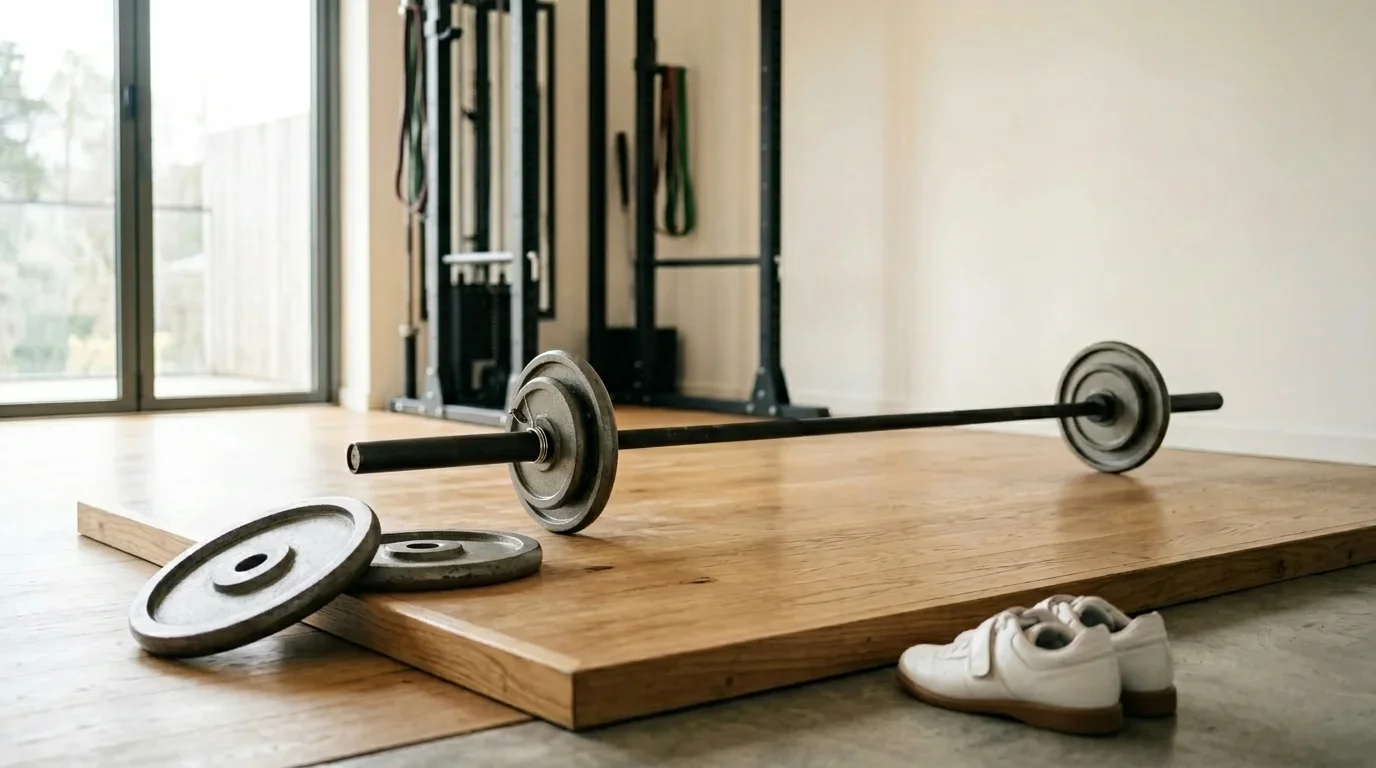
Two straight bars can look alike and weigh different amounts. International Weightlifting Federation competition bars come in 20 kg and 15 kg versions. In a gym, check the marking on the end of the bar or ask the staff, especially if you’ve picked up a shorter or specialty bar. International Weightlifting Federation equipment rules
Say you usually lift a 20 kg bar with 10 kg per side. Today you use a 15 kg bar with the same plates. Your plates-only entry still says 20 kg, but the total went from 40 kg to 35 kg. If the two straight bars are otherwise comparable, a quick note about the lighter bar explains the difference. If you switch to a different implement, such as a trap bar, use a separate exercise entry so each variation has its own history.
Keep your old and new entries readable
If you already track plates only, keep using that convention for the same exercise. If you include the bar, keep doing that. When copying a target into a different log, find out how the source counted it before entering the number. To copy a 60 kg total into a plates-only log with a 20 kg bar, enter 40 kg.
If you’ve already mixed conventions, correct the entries you can reconstruct. An old note that says “20 kg bar + 10 kg each side” gives you enough to work with. When you can’t verify the setup, leave the old entry and add a dated note marking where you started logging consistently. Use the first reliably logged set as the baseline for future comparisons.
Record a bar change in Steady
Enter weight and reps using the convention you’ve been using for that exercise. If you borrow a lighter bar for one workout, open the exercise’s Notes and use Session to write something short, such as “15 kg bar today, logged plates only.” That detail stays with the exercise in that workout.
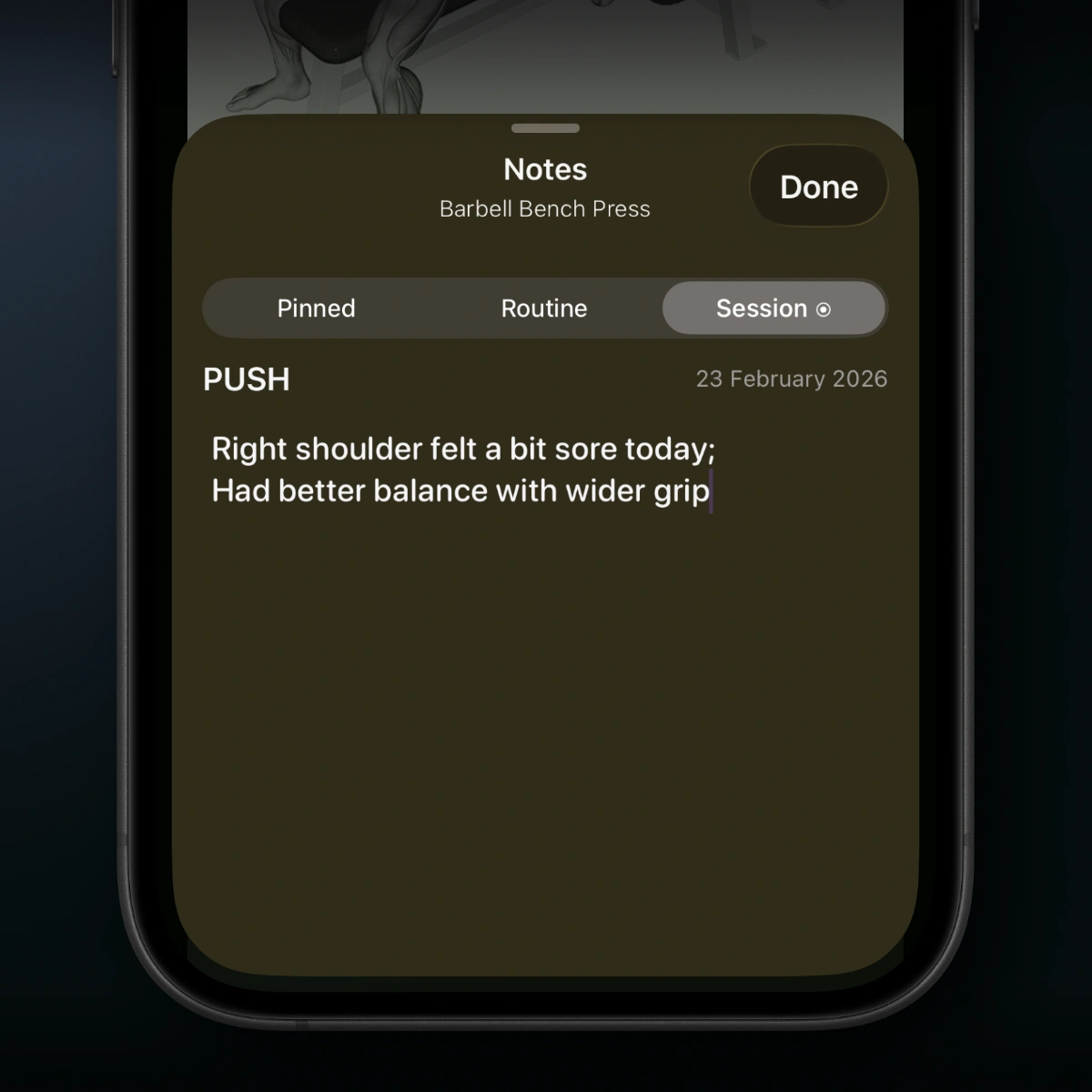
The next time you open your history in Steady, use that note to compare the sets on equal terms. Once you can tell which load you actually lifted, your workout history can help you choose what to lift next.
Ready to start applying progressive overload?
Ditch the spreadsheets and complex notes. Join thousands of lifters who use Steady to focus on the workout, track their progress, and automatically know when to add weight.
Download Free for iPhone